
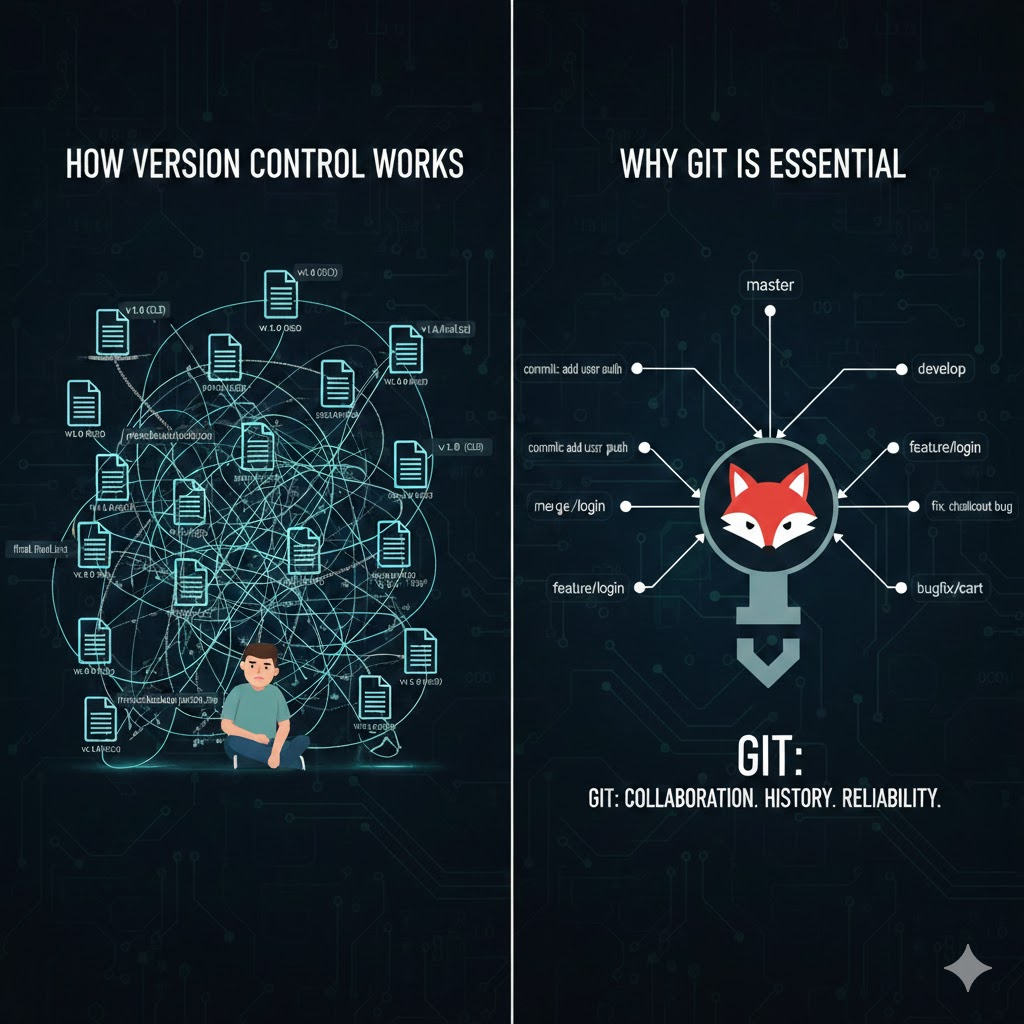
Imagine you are writing a book. Every day, you make changes revising paragraphs, fixing typos, adding new chapters. Now, imagine accidentally deleting an entire chapter. If you had a backup system that saved every version of your book, you could go back in time and restore the lost content. This is essentially what version control does for software development.
Version control systems (VCS) track changes in your code, allowing developers to collaborate, experiment, and recover previous work effortlessly. Among these systems, Git has emerged as the gold standard, powering millions of projects worldwide.
What is Version Control?
Version control is a system that records changes to files over time so that you can recall specific versions later. It’s not just for code it can track changes in any text-based file but it is indispensable for software development.
Key Functions of Version Control:
- Track Changes: Records every change made to files, along with who made it and why.
- Collaboration: Multiple developers can work on the same project without overwriting each other’s work.
- Backup and Recovery: Mistakes can be undone, and lost work can be restored.
- Branching and Experimentation: Developers can create separate “branches” to try new features or fixes without affecting the main codebase.
How Version Control Works
At its heart, version control systems keep a history of changes. Here’s a simplified breakdown:
- Repository (Repo): This is the central place where your project and its history live. A repository contains all the files, folders, and metadata about changes.
- Commits: Every change you make is saved as a commit, which acts like a snapshot of your project at a specific point in time. Each commit includes a message describing what was changed and often who made the change.
- Branches: Branches allow you to create a separate line of development. You can experiment with new features on a branch without affecting the main project, then merge the branch back once the changes are ready.
- Merge: Combining changes from different branches into a single branch is called merging. Git provides tools to handle conflicts if multiple developers modify the same part of a file.
- Remote Repositories: To collaborate, developers use a remote repository (hosted on platforms like GitHub, GitLab, or Bitbucket). They can push their changes to the remote repository and pull updates from others.
Why Git is the Most Popular Version Control System
Git is a distributed version control system, meaning every developer has a full copy of the repository, including its history. This offers several advantages:
- Offline Work: You can commit changes and view history even without internet access.
- Speed: Git operations are fast because most work happens locally.
- Branching Made Easy: Git’s lightweight branches allow developers to experiment and switch contexts effortlessly.
- Strong Community and Ecosystem: Git integrates with popular platforms like GitHub and GitLab, and countless tutorials and tools support it.
Real-World Analogy: Git in Action
Think of Git like a collaborative Google Doc, but for code, with powerful extra features:
- Commits are like saving a version of your document.
- Branches are like creating a separate copy to experiment with a new section without affecting the main document.
- Merge is combining your experimental changes with the main version.
- Push/Pull is like syncing your document with a cloud drive so others can see your updates and vice versa.
Common Git Workflow
Here’s a typical workflow developers follow when using Git:
Clone: Copy a remote repository to your local machine.
git clone https://github.com/user/project.git
Create a Branch: Make a branch for a new feature or bug fix.
git checkout -b feature/login
Make Changes and Commit: Modify files and save snapshots.
git add .
git commit -m “Add login feature”
Push Changes: Send your commits to the remote repository.
git push origin feature/login
- Pull Requests (PR): Collaborators review changes before merging them into the main branch.
This workflow allows multiple developers to work together efficiently without overwriting each other’s contributions.
Benefits of Using Git
- Collaboration Made Simple: Multiple developers can work on a project simultaneously, even across different time zones.
- History and Accountability: Every change is recorded, making it easy to understand who did what and when.
- Safe Experimentation: Branching allows you to try new features without risking the stability of the main project.
- Error Recovery: Mistakes are inevitable, but Git lets you revert to previous versions or fix errors with minimal stress.
- Supports Continuous Integration: Git integrates with CI/CD pipelines to automate testing and deployment.
Common Git Commands
Here’s a quick reference for essential Git commands:
- git init: Create a new Git repository.
- git clone <url>: Copy an existing repository.
- git add <file>: Stage changes for a commit.
- git commit -m “message”: Save changes to history.
- git status: Check changes in the repository.
- git branch: List or create branches.
- git merge <branch>: Combine branches.
- git pull: Fetch and merge changes from a remote repository.
- git push: Send local commits to a remote repository.
Real-Life Example: Collaborative Project
Imagine a team building an e-commerce website:
- Alice works on the product page.
- Bob works on the checkout page.
- Charlie fixes bugs in the login system.
Using Git, each developer works on their own branch, committing changes locally. They push their branches to a shared remote repository. Once tested, the branches are merged into the main branch without conflicts.
If Alice accidentally deletes a key file, Git allows her to revert to a previous commit, preventing hours of lost work. This is why Git is indispensable for teams.
FAQs About Git and Version Control
Q1: Can I use Git for solo projects?
Absolutely! Even solo developers benefit from version control by keeping a history of changes and enabling experimentation without risk.
Q2: What’s the difference between Git and GitHub?
Git is a version control system, while GitHub is a platform that hosts Git repositories online and adds collaboration tools like pull requests and issue tracking.
Q3: What happens if two people edit the same file?
Git tries to automatically merge changes. If it can’t, it flags a merge conflict, which developers must resolve manually.
Q4: Is Git only for programmers?
No. Git can track changes in any text-based files, including documentation, configuration files, or academic papers.
Q5: How is Git different from other version control systems?
Git is distributed, fast, and lightweight. Unlike centralized systems, every developer has the full repository, allowing offline work and easier branching.
Conclusion
Version control is the backbone of modern software development. It allows developers to collaborate, experiment, and recover from mistakes with confidence. Git, in particular, has become essential because of its speed, distributed architecture, and powerful branching capabilities.
Whether you are a beginner or an experienced developer, mastering Git is a must. It not only safeguards your work but also empowers you to contribute to large-scale projects, collaborate seamlessly, and maintain clean, manageable code.
In short, Git isn’t just a tool, it’s a developer’s safety net, time machine, and collaboration platform all rolled into one.