 dev
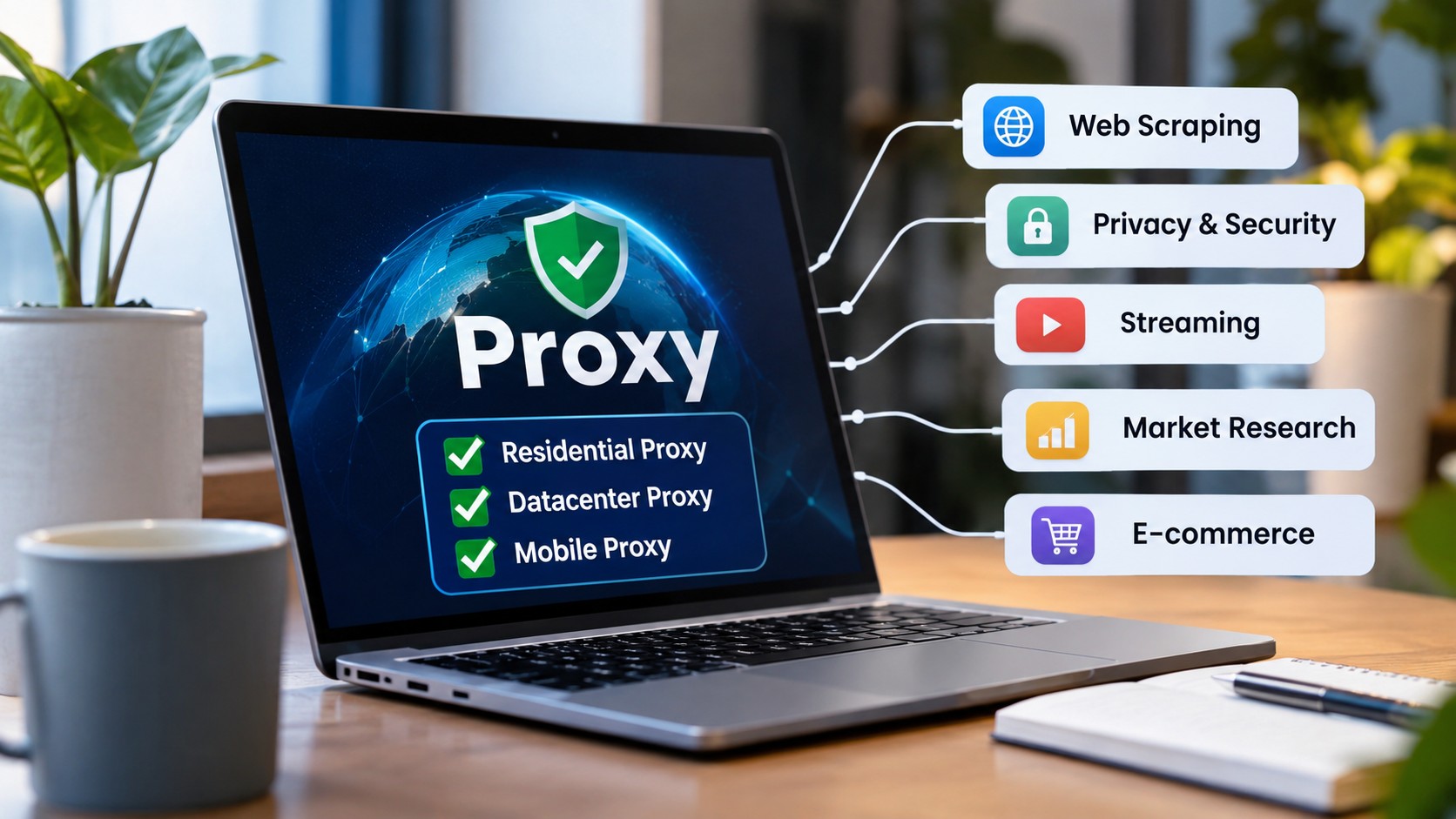
Choosing the right proxy is not simply about finding another way to connect to the internet. It is about selecting a connection that matches your activity, privacy expectations, performance requirements, and daily workflow.
A proxy server acts as an intermediary between your device and the websites or online services you access. Instead of connecting directly, your internet request passes through the proxy server, which forwards the request to its destination. The website generally sees the proxy’s IP address rather than your original public IP address.
However, not every proxy works equally well for every purpose. A proxy that performs well for general browsing may not be the best choice for market research, business operations, website testing, or automated tasks.
This guide explains how to choose the right proxy for different online activities, what features to consider, and how to avoid common selection mistakes.
1. Understand What You Need the Proxy For
Before comparing proxy providers, identify why you need a proxy. Your intended activity determines which proxy type, location, speed, and connection features matter most.
For example, someone who wants to access websites while travelling may have different requirements from a business that conducts international market research. Similarly, developers testing websites across different locations may need more control over IP selection.
Start by answering these questions:
- Will you use the proxy for personal browsing or business activities?
- Do you need an IP address from a particular country or city?
- Is connection speed more important than IP diversity?
- Do you need a consistent IP address or frequently changing addresses?
- Will you connect manually or through software?
- How many devices or sessions will use the proxy?
Having clear answers makes it easier to compare available services without paying for features you do not need.
2. Learn About the Main Types of Proxies
Understanding proxy categories is essential because each type offers different characteristics.
Residential Proxies
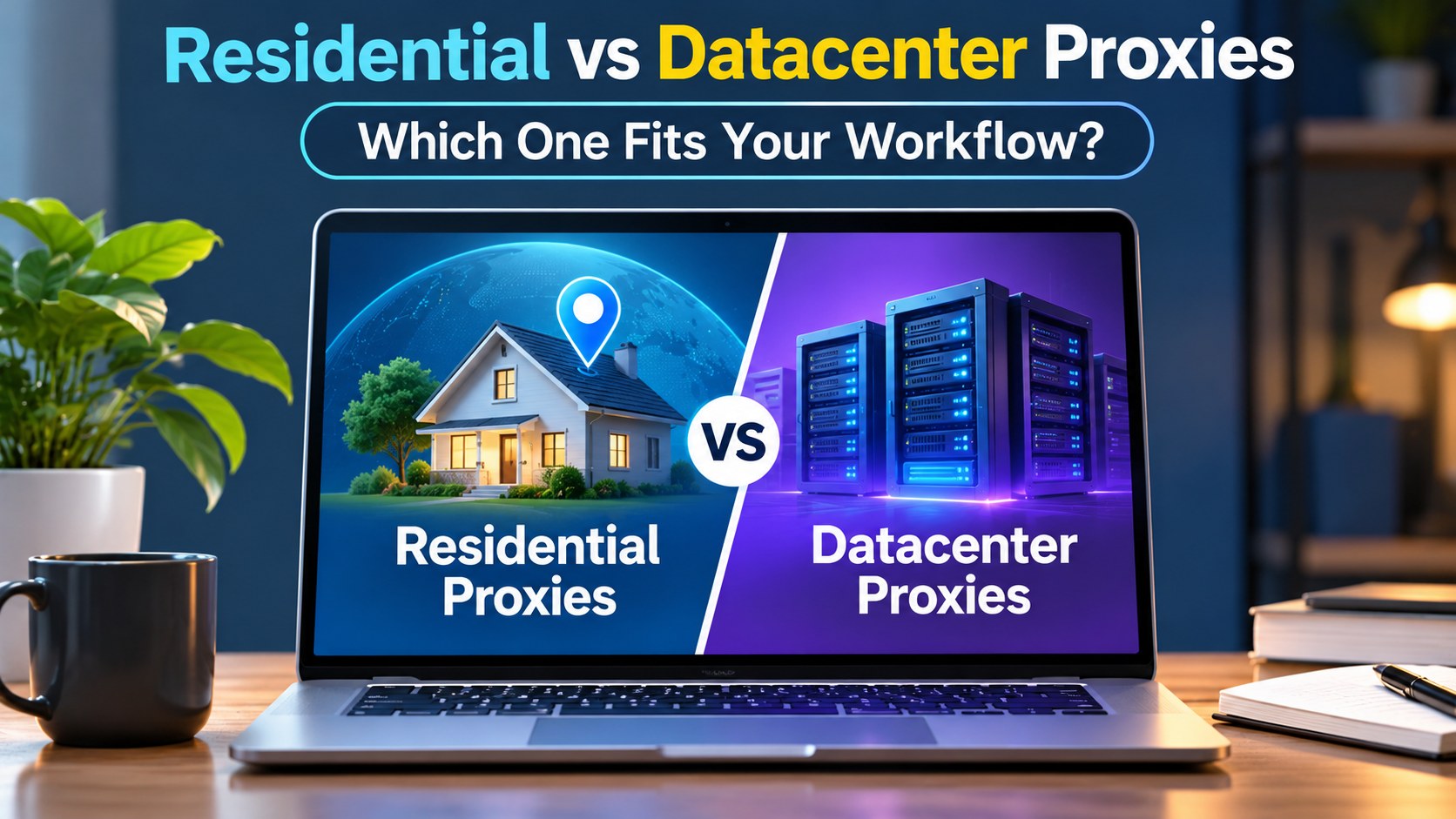
Residential proxies use IP addresses associated with residential internet connections. They are commonly used for location based research, website testing, price comparison, and activities that require access through residential networks.
Their main advantage is that they can provide access through IP addresses associated with ordinary household internet connections.
Residential proxies may be useful for:
- Checking how websites appear in different regions.
- Conducting international market research.
- Comparing product prices across locations.
- Testing location specific website experiences.
- Reviewing regional content availability.
Some residential proxy services provide rotating IP addresses, while others offer static residential connections. The available options depend on the provider.
Datacenter Proxies
Datacenter proxies use IP addresses hosted in data centres rather than residential internet connections.
They are often selected for speed, predictable performance, and cost efficiency. Businesses and developers may use them for website testing, data access where permitted, and routine technical operations.
Datacenter proxies can be suitable for:
- General website testing.
- Development and quality assurance tasks.
- Accessing public information where permitted.
- Monitoring website performance.
- Managing routine business connections.
One important consideration is that some websites may identify datacenter IP ranges more easily than residential IP addresses. Therefore, datacenter proxies are not always suitable for activities that require a residential connection.
Mobile Proxies
Mobile proxies use IP addresses associated with mobile network connections.
They can be useful when a business needs to understand how websites behave through mobile network environments. They may also support mobile application testing and regional user experience checks.
Common uses include:
- Testing mobile website experiences.
- Checking regional mobile content.
- Understanding mobile network behaviour.
- Testing applications that rely on mobile connectivity.
Mobile proxies can be more expensive than some other proxy options. Their suitability depends on the provider, network availability, and intended use.
ISP Proxies
ISP proxies combine characteristics of residential and datacenter connections. Their IP addresses are associated with internet service providers but are hosted on server infrastructure.
They are often used when a user needs a consistent IP address with predictable performance.
Potential use cases include:
- Long running business sessions.
- Account access where permitted.
- Website testing.
- Repeated connections that benefit from IP consistency.
When comparing ISP proxies, check whether the provider offers static connections, clear usage limits, and suitable locations.
3. Choose a Proxy for General Internet Browsing
For everyday browsing, a proxy should be easy to configure, reliable, and suitable for the websites you regularly visit.
You may not need a large proxy pool or advanced rotation features for simple browsing. Instead, focus on connection stability, privacy practices, and compatibility with your browser or operating system.
Consider the following features:
Connection stability: Frequent disconnections can interrupt browsing and online work.
Location selection: Choose a service that offers the locations relevant to your needs.
Protocol support: Check whether the proxy supports HTTP, HTTPS, or SOCKS5, depending on your applications.
Privacy policy: Understand what connection information the provider collects and how it handles usage records.
Ease of setup: A straightforward configuration process makes everyday use more convenient.
A reliable proxy is only one part of online privacy. Keep your browser updated, use strong passwords, enable multifactor authentication, and avoid entering sensitive information on untrusted websites.
4. Select Proxies for Market Research and Price Comparison
Businesses often need to understand how their products and services appear in different markets.
For example, an online retailer may want to compare product availability, delivery information, or displayed prices across several countries. A marketing team may need to review regional website layouts and promotional messages.
In these situations, location coverage becomes particularly important.
A suitable proxy service should offer:
- Access to relevant countries or regions.
- Reliable connections during research sessions.
- Clear information about IP locations.
- Flexible usage options.
- Support for the research tools being used.
Residential proxies may be useful when the research requires a connection associated with a residential network. Datacenter proxies may be sufficient for less sensitive technical checks.
Always respect website terms, access restrictions, privacy requirements, and applicable data protection laws when collecting information.
5. Choose Proxies for Website Testing and Development
Website developers and quality assurance teams often need to test how a website behaves under different network conditions.
A website may load correctly from one location but display different content, errors, or performance issues elsewhere. Testing through different proxy locations can help identify these differences.
For example, a development team launching an international website may want to check:
- Whether regional pages load correctly.
- Whether location based content appears as expected.
- Whether redirects work properly.
- Whether images and scripts load successfully.
- Whether the website performs consistently across regions.
Datacenter proxies can be useful for routine technical testing because they often provide predictable connections. Residential proxies may be helpful when testing experiences that depend on residential network environments.
Developers should also use dedicated testing environments and avoid sending automated requests at excessive rates.
6. Consider Speed, Stability, and Connection Quality
A proxy can offer many IP locations, but that does not automatically make it a good service.
Connection quality affects how smoothly websites load, how quickly applications respond, and whether long sessions remain active.
Three important factors deserve attention.
Speed
Proxy speed depends on several factors, including server infrastructure, network capacity, geographical distance, and the destination website.
A nearby proxy location may provide better response times than a distant one, although actual performance varies.
Stability
A stable connection is important for business operations, development work, and activities that require longer sessions.
Check whether the provider explains its uptime policies, connection limits, and support arrangements.
Latency
Latency refers to the time required for data to travel between your device, the proxy server, and the destination.
High latency can make browsing and application interactions feel slow. If response time matters to your work, test the service before purchasing a large package.
7. Check Proxy Protocol Compatibility
Proxy protocols determine how your applications communicate with proxy servers.
The most common options include HTTP, HTTPS, and SOCKS5.
HTTP proxies: These are commonly used for web traffic and browser based activities.
HTTPS proxies: These support encrypted communication between the client and destination website when properly configured.
SOCKS5 proxies: These support different types of network traffic and are useful for applications that provide SOCKS5 configuration options.
Before choosing a service, check which protocols it supports and whether they are compatible with your browser, operating system, automation software, or development tools.
Do not assume that every proxy protocol provides the same security protections. HTTPS encryption between your browser and a website is separate from the proxy connection itself.
8. Evaluate the Provider Before Buying
Choosing a proxy provider requires more than comparing prices.
A low cost package may look attractive, but it may not offer the locations, connection quality, or support you need.
Review these details before making a purchase:
- IP network: Understand whether the provider offers residential, datacenter, mobile, or ISP proxies.
- Location coverage: Check whether the required countries and cities are available.
- Rotation options: Confirm whether IP addresses are static, rotating, or configurable.
- Authentication: Check whether username and password authentication or IP authentication is supported.
- Usage limits: Understand bandwidth allowances, session limits, and renewal conditions.
- Customer support: Look for clear support channels and useful setup documentation.
- Privacy practices: Review how the provider handles personal information and connection data.
A trustworthy provider should explain its service clearly instead of relying on vague promises.
9. Common Mistakes to Avoid When Choosing a Proxy
Many users select a proxy based only on price or the number of available IP addresses. This can lead to unnecessary expenses and poor performance.
Here are some mistakes worth avoiding.
Choosing the wrong proxy type: A datacenter proxy may not meet requirements that specifically call for a residential connection.
Ignoring location requirements: A proxy from an unrelated region may not help with location specific research.
Overlooking usage limits: Some packages have bandwidth restrictions, session limits, or additional charges.
Assuming every proxy is anonymous: A proxy changes the apparent source IP address, but it does not automatically protect all personal information.
Ignoring provider reputation: Poor support, unclear policies, and unreliable infrastructure can create problems later.
Buying too much too early: Start with a smaller package or trial when available. Test the connection before committing to a larger plan.
10. A Practical Checklist for Selecting the Right Proxy
Use this simple checklist before choosing a proxy service.
| Requirement | What to Check |
|---|---|
| Purpose | Browsing, research, testing, or business operations |
| Proxy type | Residential, datacenter, mobile, or ISP |
| Location | Required country or city |
| Speed | Response time and connection performance |
| Stability | Session reliability |
| Protocol | HTTP, HTTPS, or SOCKS5 |
| Authentication | Username and password or IP based access |
| Usage | Bandwidth, sessions, and connection limits |
| Support | Setup guidance and customer assistance |
| Privacy | Provider policies and data handling |
The best proxy is not necessarily the one with the largest IP pool or the lowest price. It is the service that meets your actual requirements while providing dependable performance and transparent policies.
Conclusion
Choosing the right proxy for different online activities starts with understanding what you want to accomplish. Residential proxies can support location based research, datacenter proxies can be useful for technical tasks, mobile proxies can help with mobile network testing, and ISP proxies can provide consistent connections for suitable workflows.
Before purchasing, compare proxy types, locations, speed, stability, protocols, usage limits, and provider policies. Test the service with a small package whenever possible.
A well selected proxy can make online research, website testing, and routine business activities more manageable. The key is to choose based on your needs rather than paying for features you may never use.
Frequently Asked Questions
1. What is the best proxy for everyday internet browsing?
The best option depends on your privacy expectations, required location, and connection needs. A residential proxy may be suitable when you need a residential network connection, while a datacenter proxy may work for routine browsing and technical tasks.
2. Are residential proxies better than datacenter proxies?
Neither type is universally better. Residential proxies use IP addresses associated with residential networks, while datacenter proxies use server based IP addresses. Your intended activity determines which option is more appropriate.
3. Which proxy is best for market research?
Residential proxies may be useful for location based market research, especially when you need to review regional website experiences. Datacenter proxies may be sufficient for basic technical checks and permitted research activities.
4. Are mobile proxies suitable for website testing?
Yes. Mobile proxies can help developers test websites and applications through mobile network environments. They are particularly useful when checking mobile specific experiences.
5. What is the difference between static and rotating proxies?
A static proxy keeps the same IP address for a defined period or session, depending on the provider. A rotating proxy changes the IP address according to a schedule or connection rule.
6. Does a proxy hide my original IP address?
A proxy generally presents its own IP address to the destination website instead of your original public IP address. However, this does not guarantee complete anonymity or protect all personal information.
7. Which proxy protocol should I choose?
HTTP and HTTPS proxies are commonly used for web traffic. SOCKS5 supports a broader range of network traffic and can be useful for compatible applications. Choose according to your software requirements.
8. Are free proxies safe to use?
Free proxies may have unclear privacy policies, limited reliability, and weak security practices. Before using any proxy, understand who operates it and how your information may be handled.
9. How can I test proxy performance?
You can check connection speed, latency, IP location, stability, and compatibility with your intended applications. Test the proxy under normal working conditions before purchasing a larger package.
10. How many proxies do I need?
The number depends on your activity, number of users, session requirements, and provider limits. Start by identifying your actual connection needs instead of purchasing a large pool without a clear purpose.