 dev
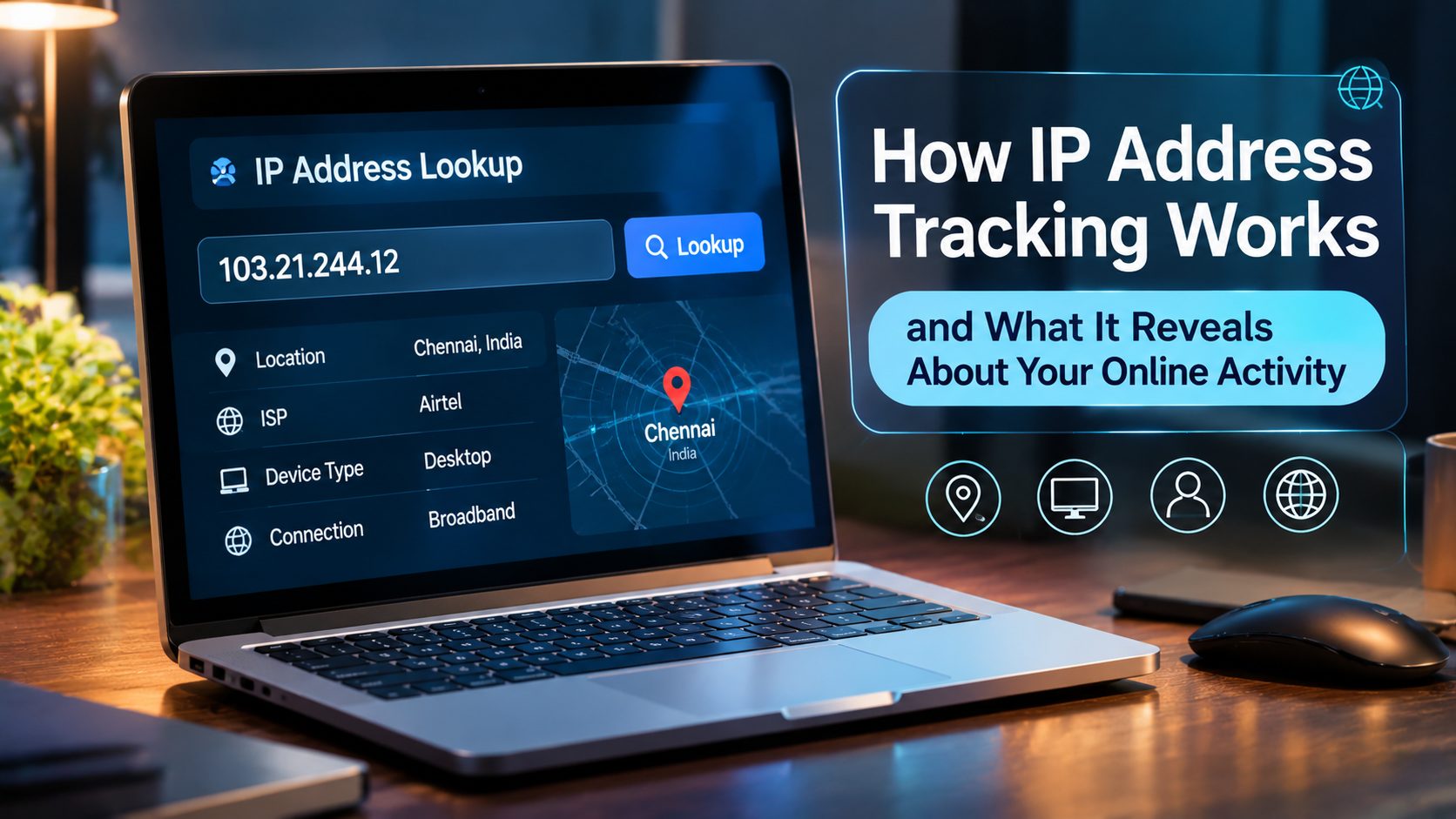
Every time you connect to the internet, your device communicates with websites, applications, and online services through an IP address. This address helps identify the network connection being used and allows information to travel between your device and the destination.
Many internet users rarely think about their IP address until they encounter a location restriction, website security check, or privacy concern. However, IP addresses play an important role in how online services operate.
Websites can use IP information for security monitoring, regional content delivery, traffic analysis, and fraud prevention. Businesses also rely on IP based information to understand website visitors and identify unusual access patterns.
Understanding how IP address tracking works can help individuals make more informed decisions about online privacy and network security.
What Is an IP Address?
An Internet Protocol address, commonly called an IP address, is a numerical identifier assigned to a device or network connection.
It allows devices to communicate across networks by helping route information to the correct destination.
There are two major IP address versions:
IPv4
IPv4 uses a numerical format consisting of four groups separated by periods. An example is 192.0.2.10.
It remains widely used across the internet, although the number of available IPv4 addresses is limited.
IPv6
IPv6 was developed to provide a much larger address space. It uses hexadecimal characters separated by colons.
IPv6 supports the continued growth of internet connected devices and modern network infrastructure.
An IP address does not automatically reveal someone’s exact identity. It generally provides information about a network connection, and additional information may be required to identify the subscriber or user.
How Does IP Address Tracking Work?
IP address tracking generally involves collecting and analysing the IP information associated with an internet connection.
When someone visits a website, their browser sends a request to the website’s server. The server receives network information, including the source IP address.
Depending on the website and its technical configuration, this information may be recorded in server logs, analytics systems, security tools, or application databases.
Businesses may analyse this information to understand:
- Where website traffic appears to originate.
- Which regions generate website visits.
- Whether unusual access patterns are occurring.
- How frequently a network accesses a service.
- Whether requests appear automated or suspicious.
IP tracking is often combined with other signals, such as browser information, cookies, login activity, and device characteristics.
What Information Can an IP Address Reveal?
An IP address can provide useful network information, but its accuracy and level of detail vary.
Approximate Geographic Location
IP geolocation databases can estimate the country, region, or city associated with an IP address.
However, these estimates are not always accurate. VPN connections, mobile networks, corporate gateways, and internet service provider routing can affect the reported location.
Internet Service Provider
An IP lookup may identify the internet service provider or network organisation associated with an address.
Network Type
Some services can identify whether an IP address belongs to a residential network, hosting provider, mobile carrier, or other network category.
Connection Reputation
Security systems may check whether an IP address has previously been associated with suspicious activity, spam, or automated requests.
An IP address alone does not normally reveal a person’s name, home address, passwords, or private browsing history.
Why Do Websites Track IP Addresses?
IP address tracking is not always associated with surveillance. Many websites use it for legitimate operational and security purposes.
Website security: Identifying unusual access patterns can help security teams investigate suspicious activity.
Fraud prevention: Financial and commercial services may use network information as one factor in identifying potentially fraudulent transactions.
Traffic analysis: Website owners can understand where visitors come from and how traffic changes over time.
Regional content: Some websites display different languages, prices, or content depending on the visitor’s approximate location.
Access management: Organisations may restrict access to internal systems based on approved IP ranges.
Static and Dynamic IP Addresses
IP addresses may be assigned in different ways.
A static IP address remains the same over an extended period unless the network configuration changes.
A dynamic IP address can change when a device reconnects or when the internet service provider assigns a different address.
Static IP addresses are useful for services that require consistent network identification, such as remote server access and certain business applications.
Dynamic IP addresses are commonly used by residential internet connections.
Understanding this difference can help when configuring remote access, firewalls, hosting environments, and network monitoring systems.
Can You Reduce IP Address Exposure?
An IP address is a normal part of internet communication, but users can take steps to manage how their network identity is presented.
A proxy server routes requests through an intermediary server. The destination website generally sees the proxy IP address instead of the user’s original public IP address.
A VPN creates an encrypted connection between the user’s device and a VPN server, routing internet traffic through that server.
These services have different technical characteristics and privacy implications.
When choosing one, consider the provider’s privacy policy, connection security, server locations, logging practices, and supported applications.
Neither a proxy nor a VPN guarantees complete anonymity. Websites may still use account information, cookies, browser characteristics, and other signals.
IP Tracking and Business Security
For businesses, IP information can support website protection and operational monitoring.
Security teams may review access logs to identify repeated login failures, unexpected connections, or unusual traffic patterns.
Website administrators can also use IP based access restrictions to protect sensitive management areas.
However, IP based security should not be the only protection method. Strong authentication, software updates, access permissions, and monitoring are also important.
Conclusion
IP address tracking is a standard part of internet communication and website operations. It helps websites understand network connections, manage traffic, support regional services, and identify potentially suspicious activity.
Although an IP address can provide approximate geographic and network information, it does not automatically reveal a person’s complete identity.
Understanding how IP tracking works makes it easier to evaluate online privacy tools, manage network security, and make informed decisions about internet access.
Frequently Asked Questions
1. Can someone identify me using my IP address?
An IP address may reveal approximate location and internet service provider information. Identifying a specific subscriber generally requires additional information and appropriate legal processes.
2. Does my IP address change automatically?
It depends on your internet service provider and network configuration. Dynamic IP addresses may change periodically, while static addresses generally remain consistent.
3. Can websites track my IP address?
Yes. Websites can receive the source IP address associated with incoming connections and may record it in server logs or security systems.
4. Does a proxy hide my original IP address?
A proxy generally presents its own IP address to the destination website. However, it does not guarantee complete anonymity or protect every type of personal information.
5. What is IP geolocation?
IP geolocation is the process of estimating the geographic location associated with an IP address using network allocation information and location databases.
6. Is IP tracking illegal?
IP address processing is not automatically illegal. Its legality depends on the purpose, applicable privacy laws, transparency, and how the collected information is used.
7. What is the difference between IPv4 and IPv6?
IPv4 uses a 32 bit address format, while IPv6 uses a 128 bit format. IPv6 provides a significantly larger number of possible addresses.
8. Can two people share the same public IP address?
Yes. Multiple devices may share a public IP address through network address translation, such as when several devices connect through one home router.