 dev
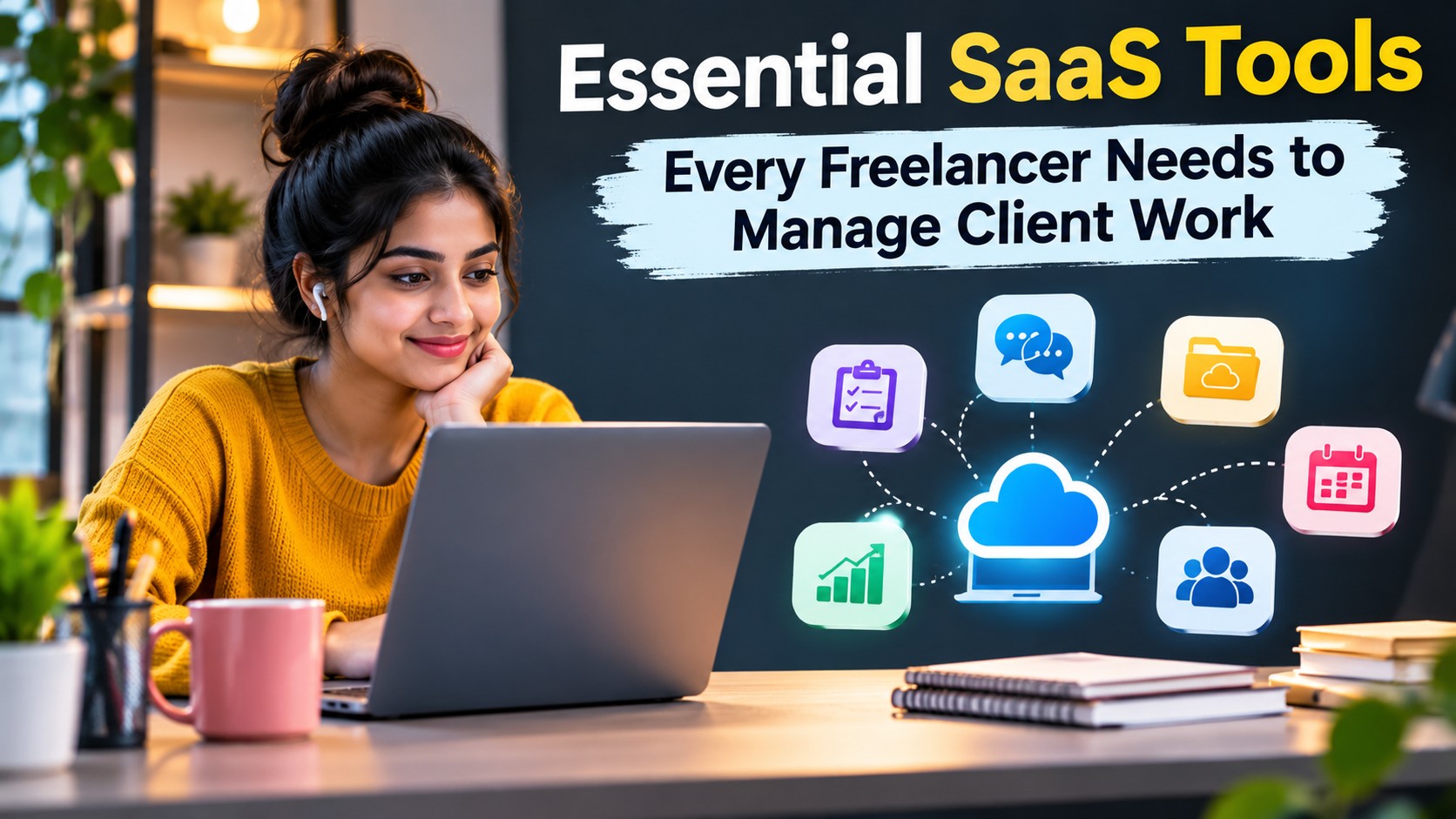
Working as a freelancer offers flexibility, independence, and the opportunity to work with clients from different industries. However, managing multiple projects, meeting deadlines, communicating with clients, and handling payments can quickly become challenging.
Unlike employees working within an established company structure, freelancers often manage several responsibilities themselves. They may need to find clients, prepare proposals, organise projects, track working hours, create invoices, and deliver completed work.
This is where Software as a Service (SaaS) tools become valuable.
SaaS platforms provide online software that users can access through a browser or application, usually through a subscription or free plan. They help freelancers organise daily activities without having to install and maintain complex software systems.
The right combination of tools can make freelance work more organised, reduce repetitive tasks, improve communication, and create a better experience for clients.
In this guide, we explore the essential SaaS tools freelancers should consider and how each category can support their daily workflow.
1. Project Management Tools for Organising Client Work
Managing several projects at the same time requires a clear understanding of tasks, deadlines, priorities, and responsibilities.
Project management tools help freelancers organise their work in one place. Instead of remembering every task or searching through old messages, they can use a central dashboard to monitor project progress.
These platforms commonly offer task lists, calendars, boards, reminders, file attachments, and collaboration features.
Popular project management platforms include:
- Trello
- Asana
- ClickUp
- Monday.com
- Notion
For example, a freelance graphic designer working with three clients can create a separate project for each client. Each project can contain tasks such as initial research, design concepts, revisions, approval, and final delivery.
A freelance content writer can organise assignments according to writing status, publication deadlines, and client feedback.
What Should Freelancers Look For?
Choose a project management platform that offers:
- Easy task creation and assignment.
- Deadline reminders.
- Project progress tracking.
- File sharing and collaboration.
- Calendar or timeline views.
- Flexible organisation options.
Beginners should start with a simple platform rather than choosing software with features they may never use.
2. Time Tracking Tools for Monitoring Productivity
Time management is important for freelancers, especially when clients pay by the hour or when several projects have different deadlines.
Time tracking software records how much time is spent on individual tasks or projects. It helps freelancers understand where their working hours go and prepare more accurate invoices.
Popular time tracking tools include:
- Toggl Track
- Clockify
- Harvest
- Timely
- Hubstaff
Consider a freelance developer who works on two client projects. One project requires website development, while the other involves fixing technical issues.
By tracking time separately, the freelancer can understand how much effort each project requires and prepare accurate billing records.
Time tracking can also reveal productivity patterns. For example, a freelancer may discover that administrative tasks take longer than expected or that certain assignments consistently require additional hours.
Important Features to Consider
- Start and stop timers.
- Manual time entry.
- Project based tracking.
- Weekly and monthly reports.
- Billable hour calculations.
- Exportable timesheets.
Time tracking should support better planning rather than create unnecessary pressure. The goal is to understand how working hours are used.
3. Invoicing and Accounting Tools for Managing Payments
Getting paid on time is one of the most important parts of running a freelance business.
Freelancers need to create professional invoices, monitor outstanding payments, record expenses, and maintain financial records.
Invoicing and accounting platforms simplify these activities.
Popular options include:
- Zoho Invoice
- FreshBooks
- QuickBooks
- Wave
- Xero
These tools can help freelancers prepare invoices with client information, service descriptions, payment terms, taxes, and due dates.
For example, a freelance marketing consultant who charges a monthly service fee can create recurring invoices instead of preparing a new document manually every month.
Some platforms also provide expense tracking, financial reports, and payment status updates.
Features Worth Checking
- Professional invoice templates.
- Automatic invoice numbering.
- Recurring invoices.
- Payment reminders.
- Expense management.
- Tax reporting support.
- Financial summaries.
Freelancers should choose accounting software that supports their country, currency, tax requirements, and preferred payment methods.
4. Communication Tools for Better Client Relationships
Clear communication helps freelancers build trust and avoid misunderstandings.
Email is useful for formal discussions, but ongoing projects may require faster communication through messaging platforms, video meetings, and shared workspaces.
Popular communication tools include:
- Slack
- Microsoft Teams
- Zoom
- Google Meet
- Discord
Each platform serves a slightly different purpose.
Slack and Microsoft Teams support ongoing team conversations and organised discussion channels. Zoom and Google Meet are useful for video meetings, project discussions, and client presentations.
For example, a freelance software developer collaborating with an international company may use Slack for daily communication and Zoom for scheduled project meetings.
A freelance consultant may prefer video meetings for discussing requirements and email for sharing final proposals.
Good Communication Practices
- Agree on preferred communication channels.
- Set reasonable response expectations.
- Keep project discussions organised.
- Document important decisions.
- Share meeting summaries when necessary.
- Avoid mixing unrelated client conversations.
Using too many communication platforms can create confusion. Select a small number that match your clients’ preferences.
5. File Storage and Document Sharing Tools
Freelancers regularly exchange documents, images, spreadsheets, presentations, and project files with clients.
Storing everything on one computer can create problems when files need to be accessed from another device or shared with collaborators.
Cloud storage platforms help freelancers store and organise files online.
Popular options include:
- Google Drive
- Dropbox
- Microsoft OneDrive
- Box
- iCloud Drive
These platforms provide online storage and file sharing features. Depending on the service and plan, users may also collaborate on documents and control access permissions.
For example, a freelance designer can create separate folders for each client and store design drafts, reference materials, approved files, and final exports.
A content writer can organise research documents, article drafts, editorial calendars, and completed assignments.
What to Look For
- Available storage space.
- File sharing permissions.
- Version history.
- Device synchronisation.
- Collaboration features.
- Security and access controls.
Freelancers should avoid sharing confidential client files through public links without checking the access settings.
6. Proposal and Contract Tools for Winning Projects
Before starting work, freelancers often need to send proposals that explain their services, pricing, timelines, and project deliverables.
A professional proposal helps clients understand exactly what they are purchasing.
Proposal and document management tools can make this process easier.
Popular platforms include:
- PandaDoc
- Proposify
- Bonsai
- Jotform
- DocuSign
Depending on the platform, freelancers can create proposals, collect signatures, manage contracts, and organise client documents.
For example, a freelance web designer can prepare a proposal that includes website requirements, design stages, estimated delivery dates, revision limits, and payment terms.
A clearly written agreement helps both parties understand their responsibilities before the project begins.
Important Proposal Elements
A good freelance proposal should explain:
- Project objectives.
- Scope of work.
- Deliverables.
- Pricing and payment terms.
- Estimated timeline.
- Revision policy.
- Responsibilities of both parties.
Freelancers should review contracts carefully and consider professional legal advice when handling complex agreements.
7. Design and Content Creation Tools
Creative professionals need software that supports the type of work they deliver.
Graphic designers, video editors, writers, and social media managers often use different tools to create and refine client deliverables.
Popular creative SaaS platforms include:
- Canva
- Figma
- Adobe Express
- Miro
- Descript
Canva supports visual content creation, including presentations, social media graphics, and marketing materials.
Figma is widely used for interface design, prototyping, and collaboration between designers and developers.
Miro provides a visual workspace for brainstorming, planning, and mapping ideas.
Descript offers tools for editing audio and video content.
How to Choose Creative Software
Consider the following:
- Does the platform support your type of work?
- Can clients review and comment on deliverables?
- Does it support common file formats?
- Are collaboration features available?
- Is the subscription affordable?
- Can you export files in the required quality?
Freelancers should select tools according to their services instead of subscribing to every popular creative platform.
8. Password Management Tools for Account Security
Freelancers often manage accounts across project management platforms, client websites, email services, hosting dashboards, and payment systems.
Reusing passwords across these services can create serious security risks.
Password managers help users generate, store, and organise strong passwords in a protected vault.
Popular options include:
- Bitwarden
- 1Password
- Dashlane
- NordPass
- KeePass
These tools can help freelancers maintain separate credentials for different services without relying on memory or unsecured notes.
For example, a freelance website administrator may manage several client dashboards. A password manager can help organise the credentials while reducing the temptation to reuse passwords.
Security Features to Consider
- Encrypted password storage.
- Password generation.
- Multifactor authentication support.
- Secure sharing options.
- Account recovery features.
- Device compatibility.
Never share personal account passwords with clients or team members. Use appropriate delegated access whenever a platform supports it.
9. Automation Tools for Reducing Repetitive Tasks
Freelancers often spend valuable time performing repetitive administrative activities.
Examples include creating task records after receiving an enquiry, organising incoming information, sending notifications, and updating project records.
Automation tools connect different applications and help complete routine actions based on defined triggers.
Popular automation platforms include:
- Zapier
- Make
- IFTTT
- n8n
For example, a freelancer may create an automation that adds a new project to a task management platform whenever a client completes an enquiry form.
Another workflow could send a notification when a client submits a document or approves a project milestone.
Automation can reduce manual work, but it should be implemented carefully.
Tasks That Can Often Be Automated
- New client enquiry notifications.
- Project task creation.
- Calendar reminders.
- File organisation.
- Routine status updates.
- Invoice follow up notifications.
Before connecting applications, review their permissions and understand what information will be shared.
10. How to Build a SaaS Toolkit Without Overspending
One common mistake freelancers make is subscribing to too many software platforms.
A tool may look useful, but paying for several overlapping subscriptions can increase monthly expenses without improving productivity.
Instead of building a large software collection, create a practical toolkit around your actual business needs.
A simple starting setup might include:
| Freelancer Requirement | Suitable Tool Category |
|---|---|
| Organising projects | Project management |
| Tracking working hours | Time tracking |
| Preparing invoices | Accounting and invoicing |
| Communicating with clients | Messaging and video meetings |
| Storing files | Cloud storage |
| Creating proposals | Proposal management |
| Protecting accounts | Password management |
| Automating tasks | Workflow automation |
Many SaaS platforms offer free plans or trial periods. These can help freelancers understand whether a product fits their workflow before paying for advanced features.
A Simple Approach to Choosing Tools
Step 1: Identify your biggest challenge. Determine whether you struggle most with deadlines, communication, invoicing, or file management.
Step 2: Choose one suitable platform. Avoid subscribing to several tools that perform the same function.
Step 3: Test the workflow. Use the platform with a real project and evaluate whether it saves time.
Step 4: Review the cost. Compare the subscription price with the value it provides.
Step 5: Upgrade only when necessary. Pay for additional features when your workload or business requirements justify the expense.
11. How SaaS Tools Improve the Freelance Client Experience
The benefits of SaaS tools extend beyond personal productivity. They can also improve the way freelancers work with clients.
A well organised workflow makes it easier to communicate progress, share documents, manage revisions, and deliver work on time.
Clients generally appreciate clear expectations and consistent updates.
For example, a freelance content writer can use a project management platform to share article progress, a cloud storage service to exchange drafts, and an invoicing tool to manage payments.
This creates a more structured experience without requiring a large team or complicated business infrastructure.
SaaS tools can also help freelancers scale their operations. As the number of clients increases, organised systems make it easier to manage additional assignments without losing track of existing responsibilities.
Conclusion
SaaS tools have become an important part of modern freelance work. They help independent professionals organise projects, track time, manage payments, communicate with clients, protect accounts, and automate repetitive tasks.
However, the best toolkit is not the one with the most subscriptions. It is the one that solves real problems and supports your working style.
Start with essential categories such as project management, invoicing, communication, and file storage. Add creative software, automation, and advanced security tools as your business grows.
By choosing the right SaaS platforms and using them consistently, freelancers can spend less time managing administrative work and more time delivering valuable services to their clients.
Frequently Asked Questions
1. What are the most important SaaS tools for freelancers?
Project management, time tracking, invoicing, communication, and cloud storage tools are useful starting points. The exact combination depends on the freelancer’s profession and client requirements.
2. Are free SaaS tools enough for freelance work?
Free plans can be sufficient for beginners and freelancers with a small client base. Paid subscriptions may become useful when additional storage, automation, collaboration, or reporting features are required.
3. Which project management tool is suitable for freelancers?
Trello, Asana, ClickUp, Monday.com, and Notion are popular options. Compare their features and choose one that matches your project complexity and preferred working style.
4. How can freelancers manage multiple clients efficiently?
Use separate project spaces, organised task lists, clear deadlines, and structured communication channels. Project management software can help keep client work organised.
5. Do freelancers need time tracking software?
Time tracking software is particularly useful for freelancers who charge hourly rates. It can also help fixed price freelancers understand how much time different assignments require.
6. Which SaaS tools help freelancers manage invoices?
Platforms such as Zoho Invoice, FreshBooks, QuickBooks, Wave, and Xero offer invoicing or accounting features. Availability and functionality vary by country and subscription plan.
7. How can freelancers protect client information?
Use strong passwords, multifactor authentication, secure cloud storage, and appropriate access permissions. Avoid sharing confidential information through unsecured channels.
8. Are SaaS tools useful for freelancers working with international clients?
Yes. Many SaaS platforms support online collaboration, file sharing, video meetings, and project management across geographical locations. Check time zone, currency, and payment support where relevant.
9. How many SaaS subscriptions should a freelancer have?
There is no fixed number. Start with the tools required for your daily work and add subscriptions only when they solve a specific problem or provide measurable value.
10. Can SaaS tools help freelancers save time?
Yes. They can reduce repetitive administrative work, organise project information, simplify communication, and automate routine processes.
11. What should freelancers check before purchasing a SaaS subscription?
Review pricing, features, storage limits, security policies, cancellation terms, integrations, and customer support. Also check whether the platform offers a free plan or trial.
12. Can beginners use SaaS tools without technical knowledge?
Yes. Many modern SaaS platforms are designed with simple interfaces and guided setup processes. Beginners can start with basic features and gradually explore more advanced options.